How to add members to Bespo?
If you want staff members to help add personalization to products, follow these steps.
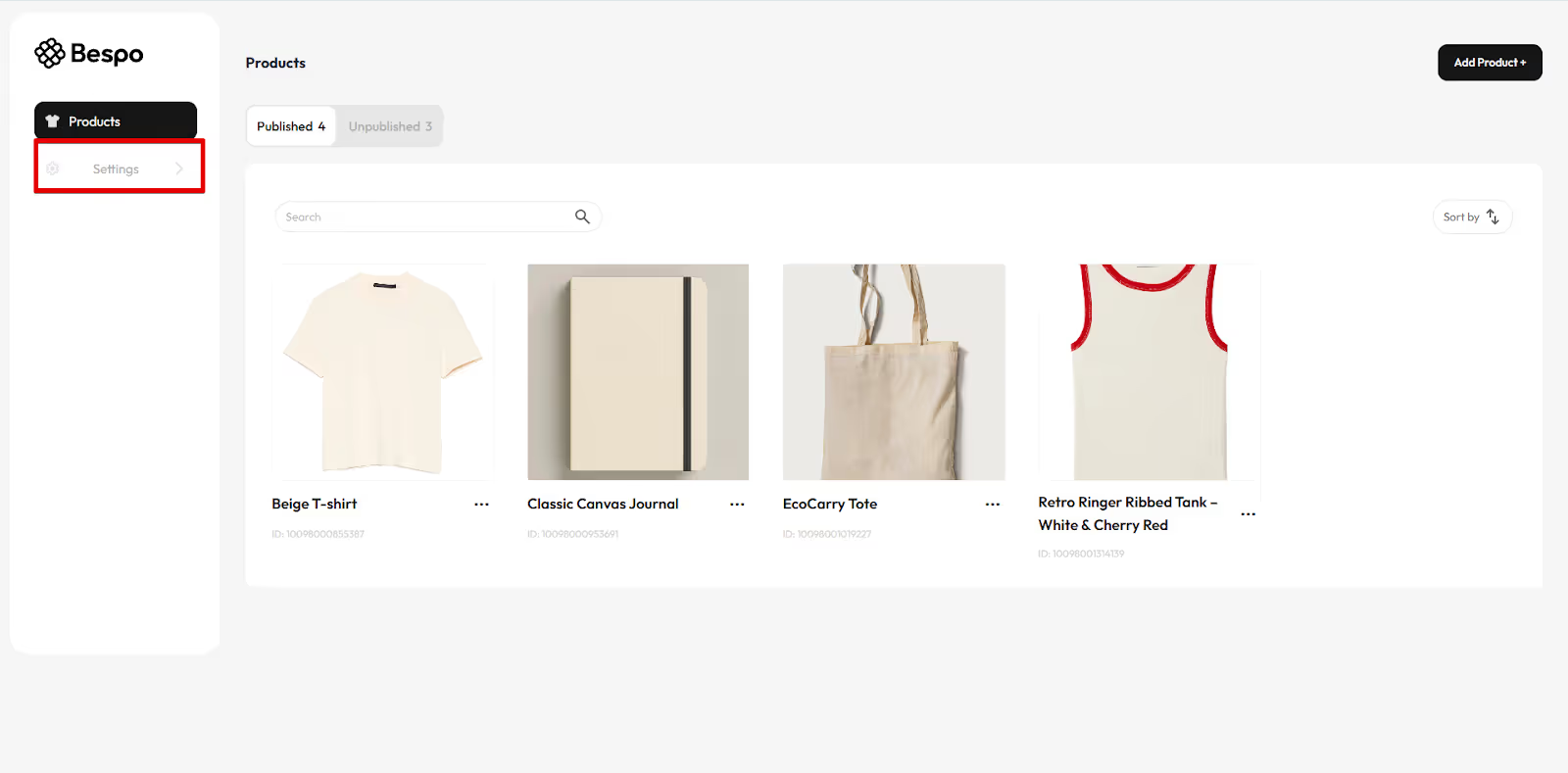
1) Open Settings in Bespo
From the Bespo dashboard, click Settings in the left sidebar.
2) Go to Members
In Settings, click Members.
.avif)
3) Add the staff user in Shopify
Bespo membership is tied to your Shopify staff.
In Shopify Admin go to Settings → Users and permissions and click Add staff. Enter their name and email, then send the invite.
.avif)
4) Have the staff accept the invite
Your teammate must accept the Shopify email invite. Once accepted, they’ll appear as a staff member and can be granted access to the Bespo app.
5) Assign the right role/permissions
Finish by assigning the correct permissions (e.g., access to Apps/Bespo) using Shopify roles.
See:https://help.shopify.com/en/manual/your-account/users/roles/manage-roles